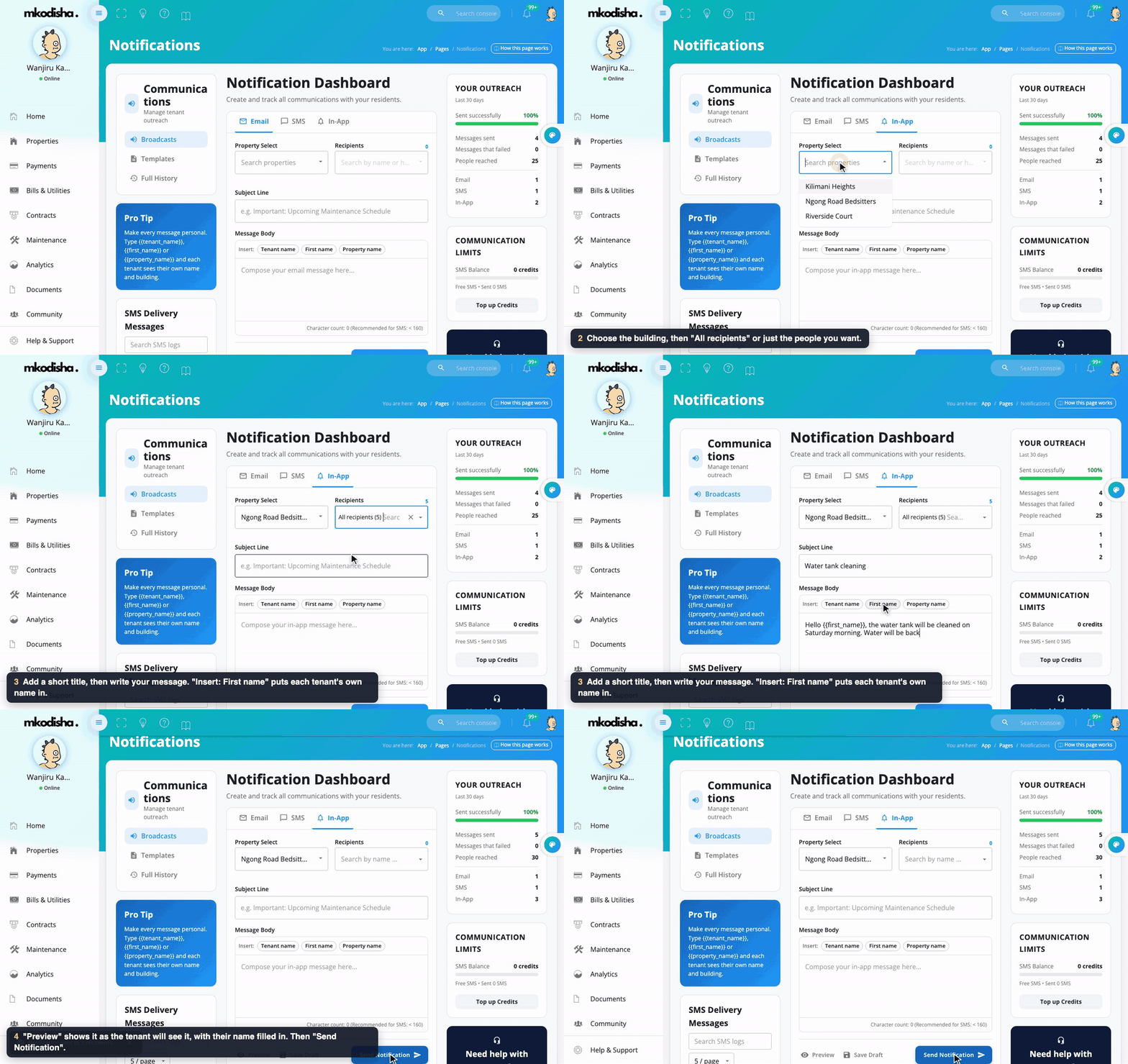
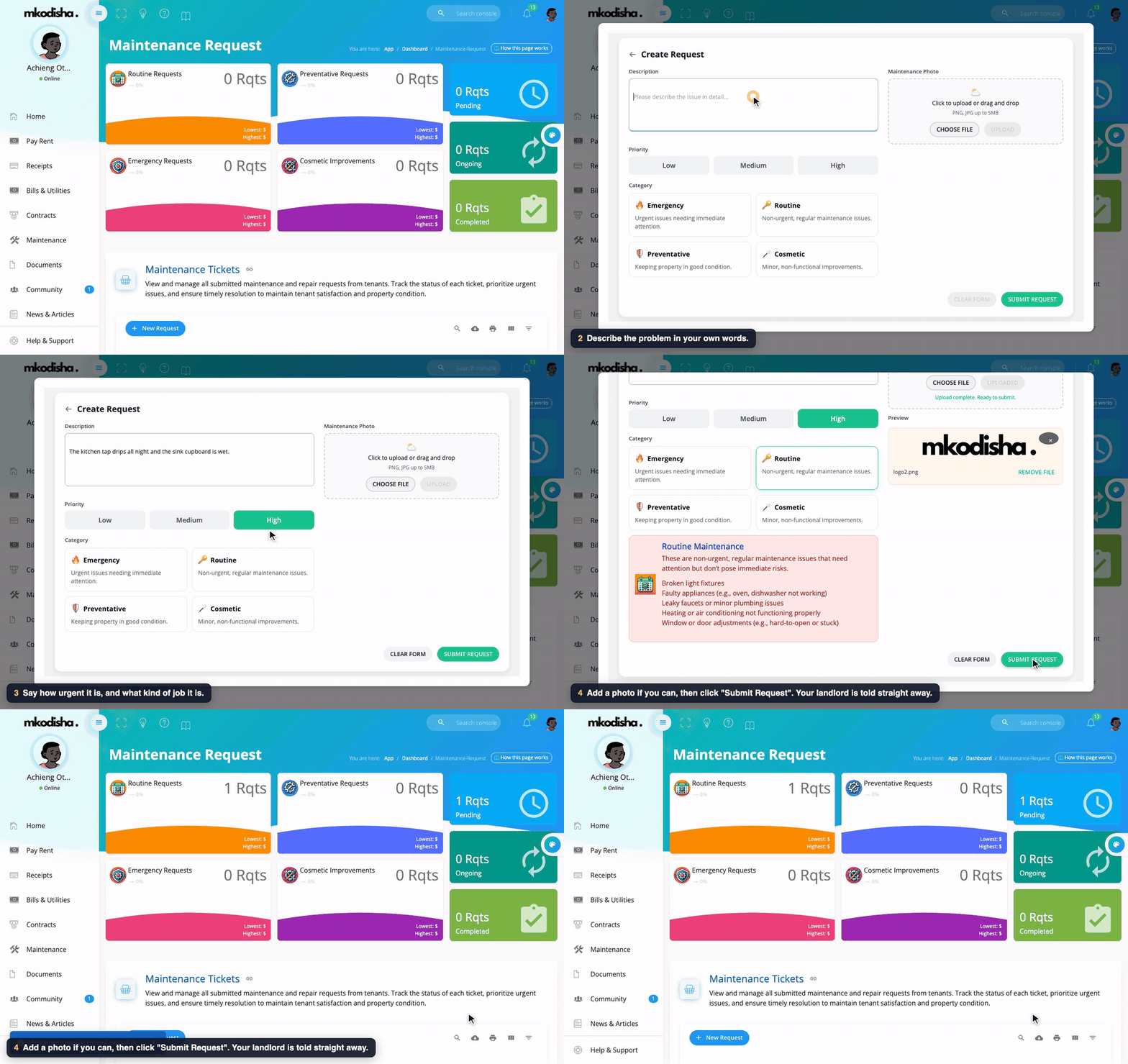
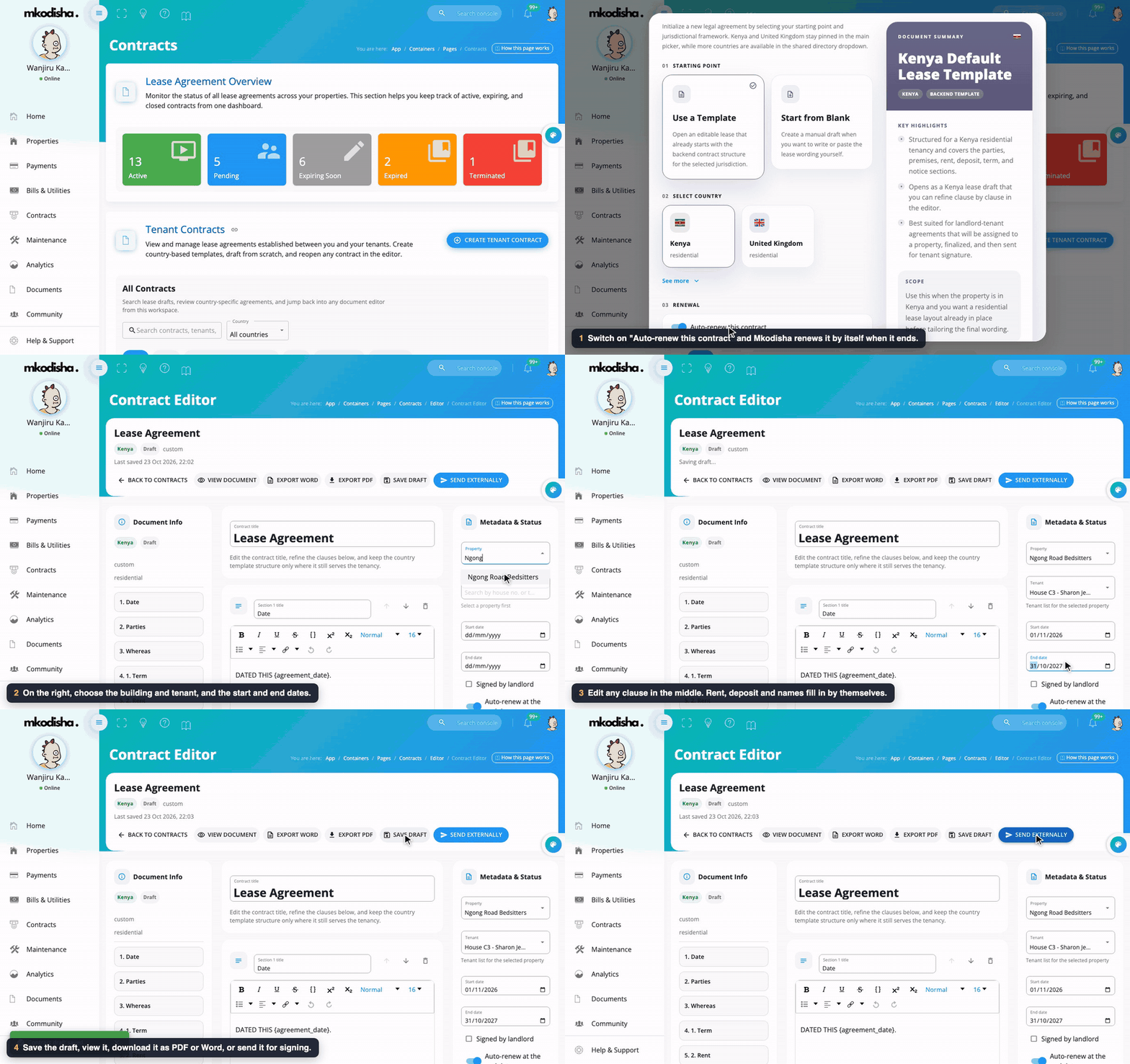
In one sentence: News & Articles is your daily newspaper about renting and property in Kenya, plus Mkodisha's own how-to articles, all in one list.
The simple version
There are two kinds of stories:
- News: stories from Kenyan news websites about housing, rent, water, levies and the law. Click one and it opens on the original website.
- Articles: guides written by Mkodisha, like "10 things to check before signing your next lease". Click one and it opens right inside Mkodisha.
Newest stories are at the top, and stories about your own country come first.
Why Mkodisha does this better
- One place to keep up. No need to visit five news sites.
- Made for landlords and tenants. Only property and housing stories.
- Read without leaving the app. Articles open full screen, and you are back where you were when you close them.
- Find old stories. Search everything by a word, like "water" or "levy".
Where to find it
| What | Link |
|---|---|
| News & Articles page | mkodisha.com/app/pages/news-articles |
| News box on the landlord home page | mkodisha.com/app (the Property News tab) |
| Articles slider on the landlord home page | mkodisha.com/app (top right) |
| News on the tenant home page | mkodisha.com/app/dashboard/tenant |
| All articles on the web (no login needed) | articles.mkodisha.com |
| Mkodisha guides like this one | articles.mkodisha.com/tags/mkodisha |
Step 1: Browse and search
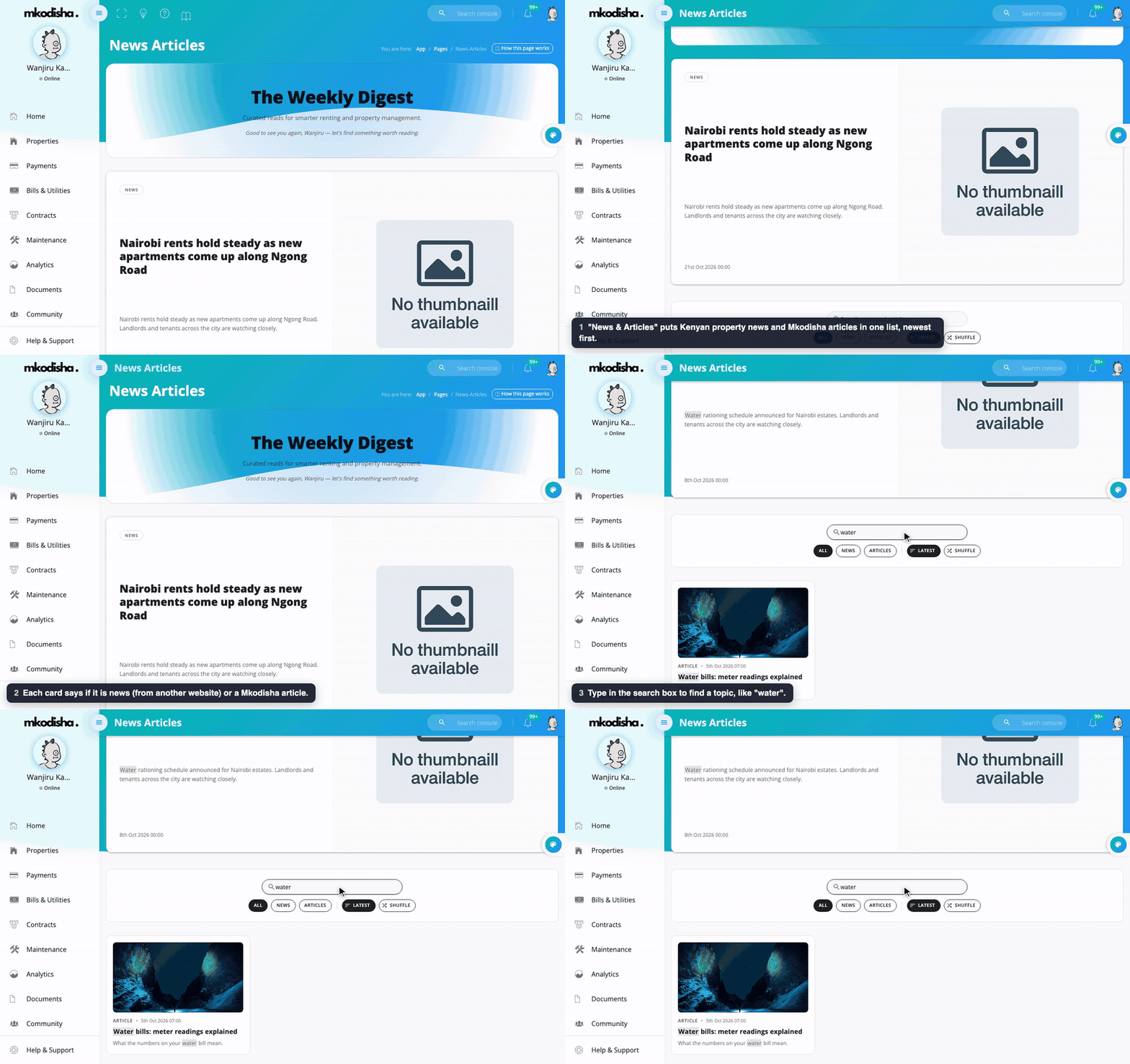
- Open News & Articles in the menu.
- The top story is shown large; the rest follow in cards. Each card is labelled NEWS or ARTICLE, with its date.
- Type in Search news and articles to find a topic. Matching words are highlighted.
- Use the buttons under the search box: - All, News or Articles: choose what to show. - Latest (newest first) or Shuffle (a random mix, to discover older stories).
- Prev and Next at the bottom move between pages.
Step 2: Read an article
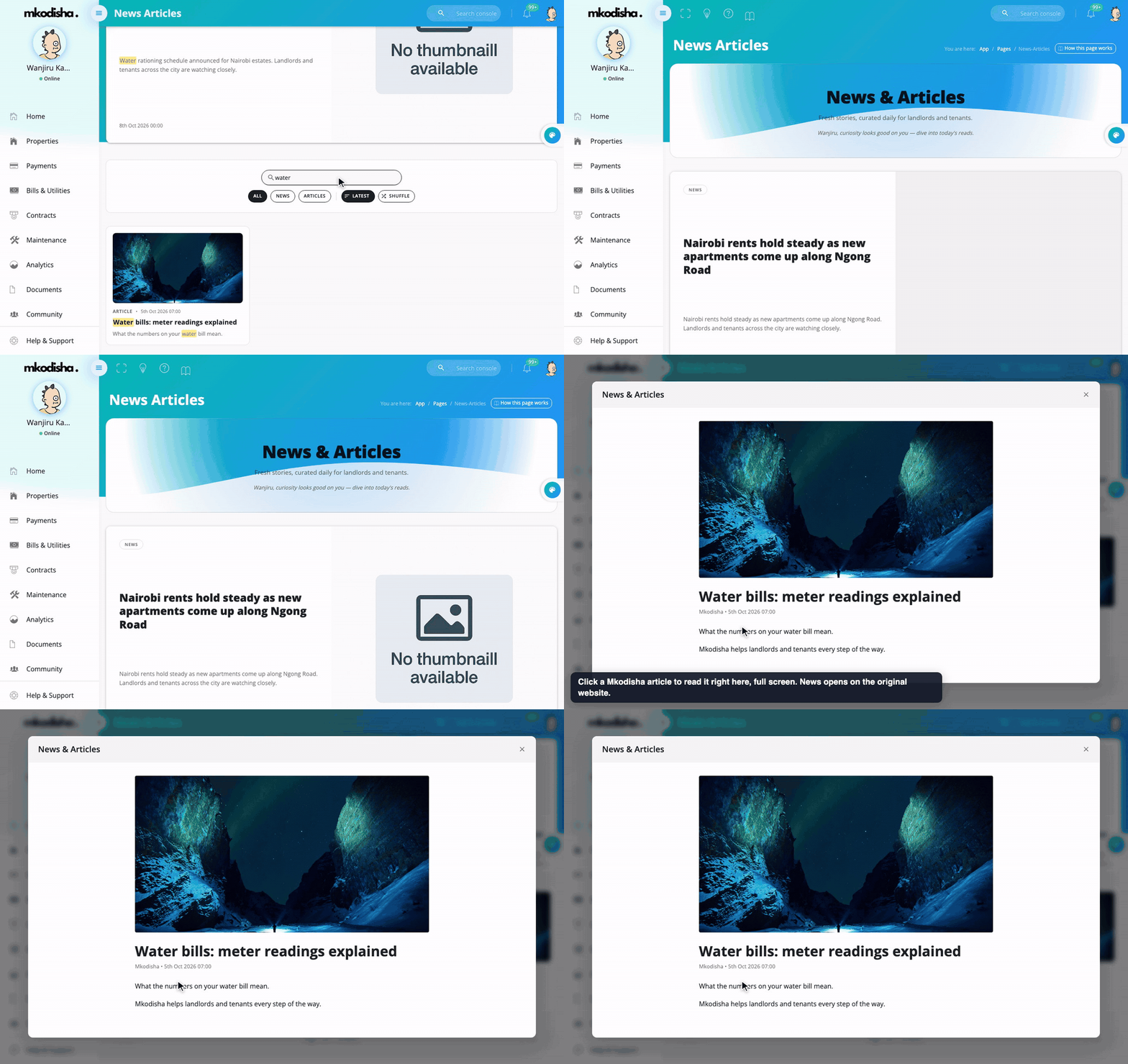
Click a Mkodisha article and it opens full screen inside the app. Close it with the × to go back to the list. News stories open on the website that published them.
On your home page
The landlord home page shows the newest articles in the slider at the top, and the latest news under the Property News tab. The tenant home page has a Property & Real Estate News list. See Dashboards.
The articles website
Every Mkodisha article is also published at articles.mkodisha.com, which anyone can read without signing in. It also has:
- Insights: public rent-price data by town. See Insights and Analytics.
- Guides: these plain-language Mkodisha guides, tagged Mkodisha, each recommending the next guides to read.
Quick answers
Where does the news come from? From Kenyan and international news websites. Mkodisha collects property stories and links to the original.
Why does a news story open another website? News belongs to the website that wrote it. Mkodisha articles open inside the app.
Can tenants see News & Articles? Yes. It's in the tenant menu too.
How do I find an old story? Type a word in the search box, or click Shuffle to see older stories mixed in.
Words to know
| Word | Meaning |
|---|---|
| News | A story from another news website |
| Article | A guide or story written by Mkodisha |
| Feed | A list of stories, newest first |